The punch to escape Backpacks system decides how much wall rubble you can carry before the collection loop stops. The practical upgrade choice is to increase capacity when your bag fills before you finish a useful wall section, but do not expect a larger bag to make punches stronger or the Vacuum more effective. If another part of the loop is slower, return to the upgrade bottleneck guide instead of buying storage automatically.
How Backpacks work
Punching a wall produces blocks or rubble, and the Vacuum moves that material into your Backpack. The bag counter is the limit for the run: once it reaches capacity, continued punching cannot bypass the storage cap. Sell the material for Money or unload it through a Conveyor before returning to collect more.
| Backpack or state | Recorded capacity | How it fits the loop | When to use it |
|---|---|---|---|
| Starting Backpack | Not documented | Granted at the start | Use the counter rather than assuming an unstated starting size |
| Bag I | 60 → 225 | Buy at the Storage Room wall display | Choose it when carrying capacity is stopping collection |
| Big Bag | Not documented | Mentioned as a larger bag | Treat it as a possible later target, not a budgeted purchase |
| Finity Bag | Not documented | Mentioned in gameplay records | Do not assume a price, capacity, or unlock requirement |
| Full bag | 225/225 shown in one record | Stops effective additional collection | Sell or unload before continuing the rubble loop |
The table is a scoped guide to the supplied records, not a confirmed catalog of every Backpack tier. Bag I is the only upgrade with both a before-and-after capacity value. The starting capacity, Big Bag values, and Finity Bag requirements are not documented in the available evidence.
Bag I upgrade and purchase choice
The Storage Room display records Bag I as changing the shown capacity from 60 to 225 and labeling the result Holds 225. The same display shows a cash option priced at $75, along with One Round gem and permanent Robux options.
Before confirming the purchase, check the option you are selecting. The evidence does not establish whether the cash, One Round, and permanent options have identical duration or account-wide behavior. After buying, use the in-game Backpack counter to confirm the capacity that applies to your run.
When to upgrade the Backpack
Upgrade storage when the bag, rather than the wall or Vacuum, is the part of the loop stopping progress:
Step 1
Break a wall and collect rubble until the Backpack counter approaches its limit.
Step 2
If the wall still needs work but the bag fills first, compare the displayed capacity upgrade in the Storage Room.
Step 3
Buy Bag I only after checking the selected currency and whether the option is for one round or permanent use.
Step 4
Return to the wall and confirm the new counter before planning a longer collection run.
Step 5
If Punch Power or Vacuum reach is the actual limit, upgrade that system instead of treating more storage as the fix.
This is a bottleneck decision, not a universal upgrade order. A larger Backpack helps you carry more rubble, but it does not improve wall damage, attack speed, suction, or collection range.
Upgrade the Backpack when storage limits collection
This moment supports the Bag I upgrade guidance for increasing Backpack capacity when the bag fills before wall work is complete.

Full bag and Conveyor problems
When the display reaches Full or shows 225/225, stop trying to solve the problem by punching harder. You have three documented responses:
- Sell the rubble and turn the load into Money before returning to the wall.
- Unload to a Conveyor by using the
Empty bag onto beltinteraction in a room with that route. - Wait for space if the Conveyor is full, then check the Backpack counter and try again.
An unload interaction does not guarantee that the bag is empty. Records show cases with 56 voxels left in your bag and 36 voxels, indicating that a full or congested Conveyor can leave material behind. Read the counter after unloading rather than assuming the transfer completed.
Backpack, Vacuum, and Punch Power roles
These systems solve different problems. Punch Power determines whether the wall is moving. Vacuum collects nearby rubble and its reach or suction affects collection behavior. Backpack capacity determines how much collected rubble you can carry. A capacity upgrade cannot compensate for a wall that barely breaks, and a stronger Vacuum cannot create more storage space.
For longer wall sections, the useful sequence is to break material, collect it while the bag has room, and then sell or unload before the counter reaches its limit. This keeps the three bottlenecks separate and makes it easier to identify the next upgrade.
FAQ
Is Bag I worth buying?
It is the clearest documented storage upgrade when the bag is filling before your wall work is complete: the recorded display changes capacity from 60 to 225. The $75 cash price and the alternative One Round and permanent Robux options still need to be matched to the purchase type shown in your game.
What are the Big Bag and Finity Bag capacities?
The supplied records mention both names as larger bags, but do not provide reliable capacity values, prices, or unlock requirements. Use the in-game display rather than planning around an assumed number.
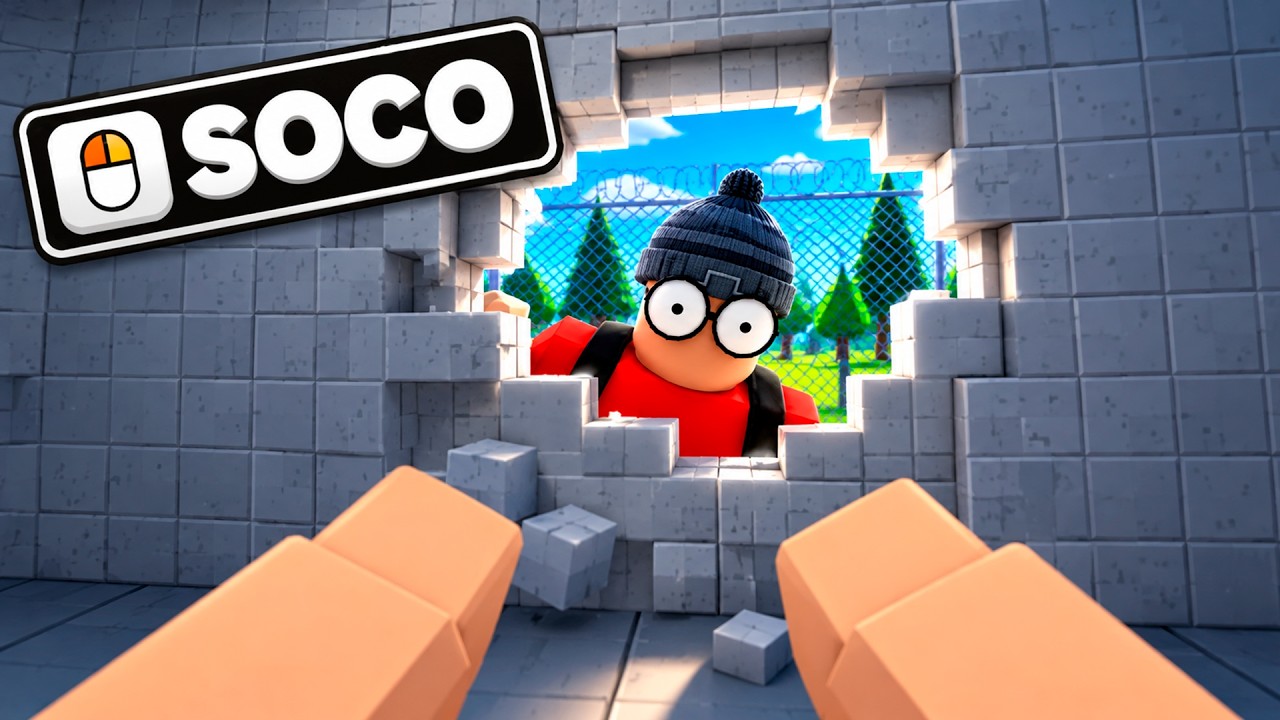
Check the Finity Bag for more Backpack space
This moment supports the Finity Bag section by connecting its purchase with the possibility of increased Backpack space when changing regions.
Why is rubble still in my bag after using a Conveyor?
The Conveyor may be full or processing only part of the load. Check the Backpack counter for a remaining quantity, then wait for belt space or return to sell the material.
Does 225/225 mean the wall is finished?
No. It means the Backpack is at its recorded capacity in that state. The wall can still need punching, and you must sell or unload rubble before collecting effectively again.
SourcesReviewed October 30, 2026
- The official Roblox game page identifies Punch to Escape and its creator; it does not provide a complete Backpack price or capacity catalog: https://www.roblox.com/games/113020468510768/Punch-to-Escape
- The native community Wiki’s upgrades page supports the Bag I display, its recorded capacity change, and the Storage Room purchase context: https://www.punchtoescapewiki.wiki/guides/upgrades-robots
- The native community Wiki guides and gameplay records support the full-bag and Conveyor interactions: https://www.punchtoescapewiki.wiki/guides
- Gameplay records mention Bag upgrades, Big Bag, Finity Bag, and changing capacity, but do not establish a complete tier list or independently tested current prices: https://www.youtube.com/watch?v=Fpq-oxeZJqc